



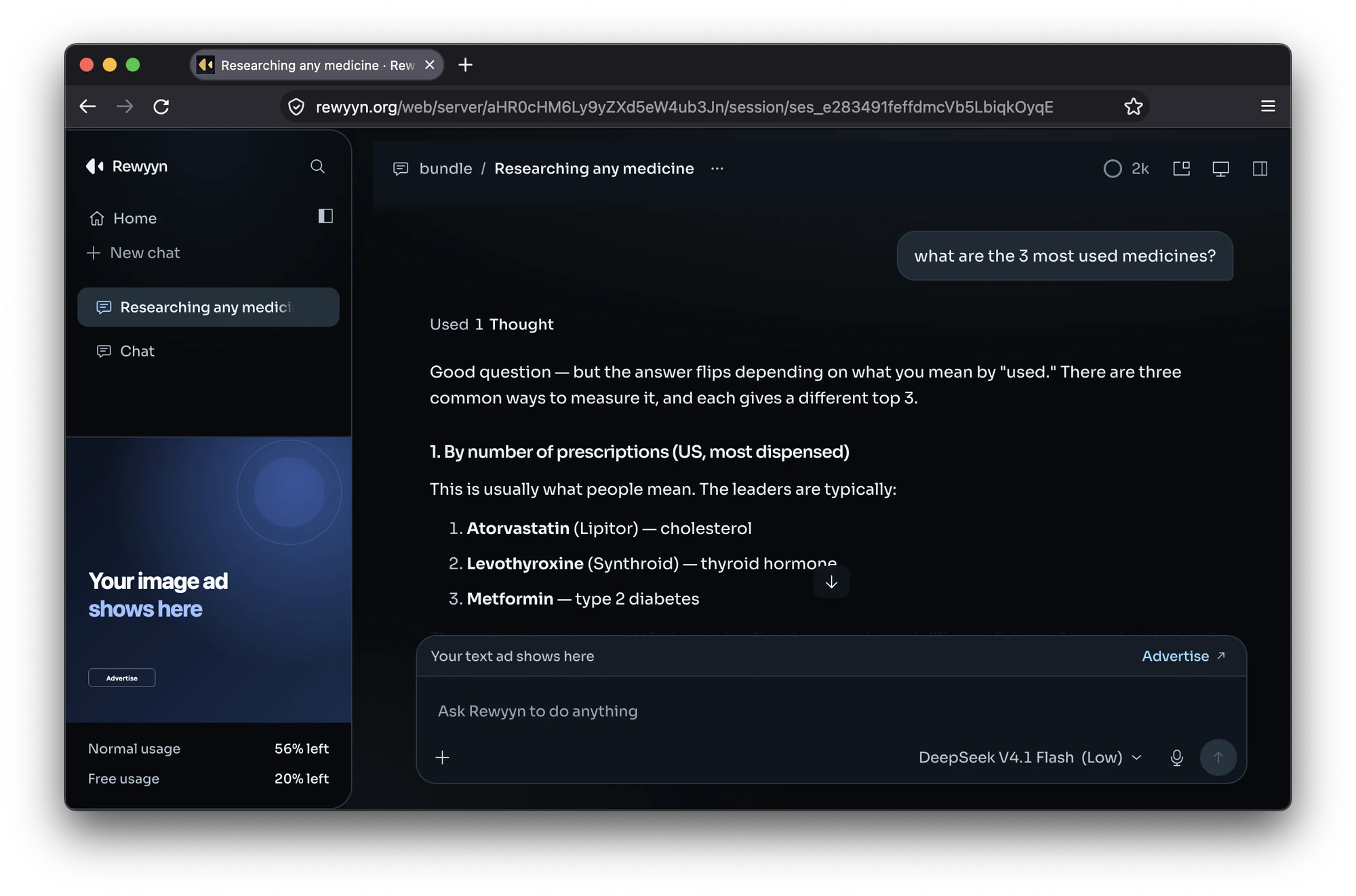
You can now use Rewyyn without installing the desktop app. Open rewyyn.org/web, sign in with your Rewyyn account, and start a session in the browser.
This is useful when you are away from your main computer or want to try Rewyyn before downloading it. Your plan and usage stay with your account.
The command line tools now install on every Mac with one command, whether you use Apple silicon or Intel. The installer picks the right build for you.
Settings have a cleaner layout, and update checks now have their own page. The things you change most often are easier to find.
What changed
- Rewyyn in the browserSign in at rewyyn.org/web and start a session without installing the desktop app.
- CLI on every MacThe one-line installer now works on Apple silicon and Intel Macs.
- Simpler settingsA calmer settings layout, with updates on their own page.